RedLight Studio Kit
One-click studio lighting, backdrops, cameras and HDRIs for Blender.
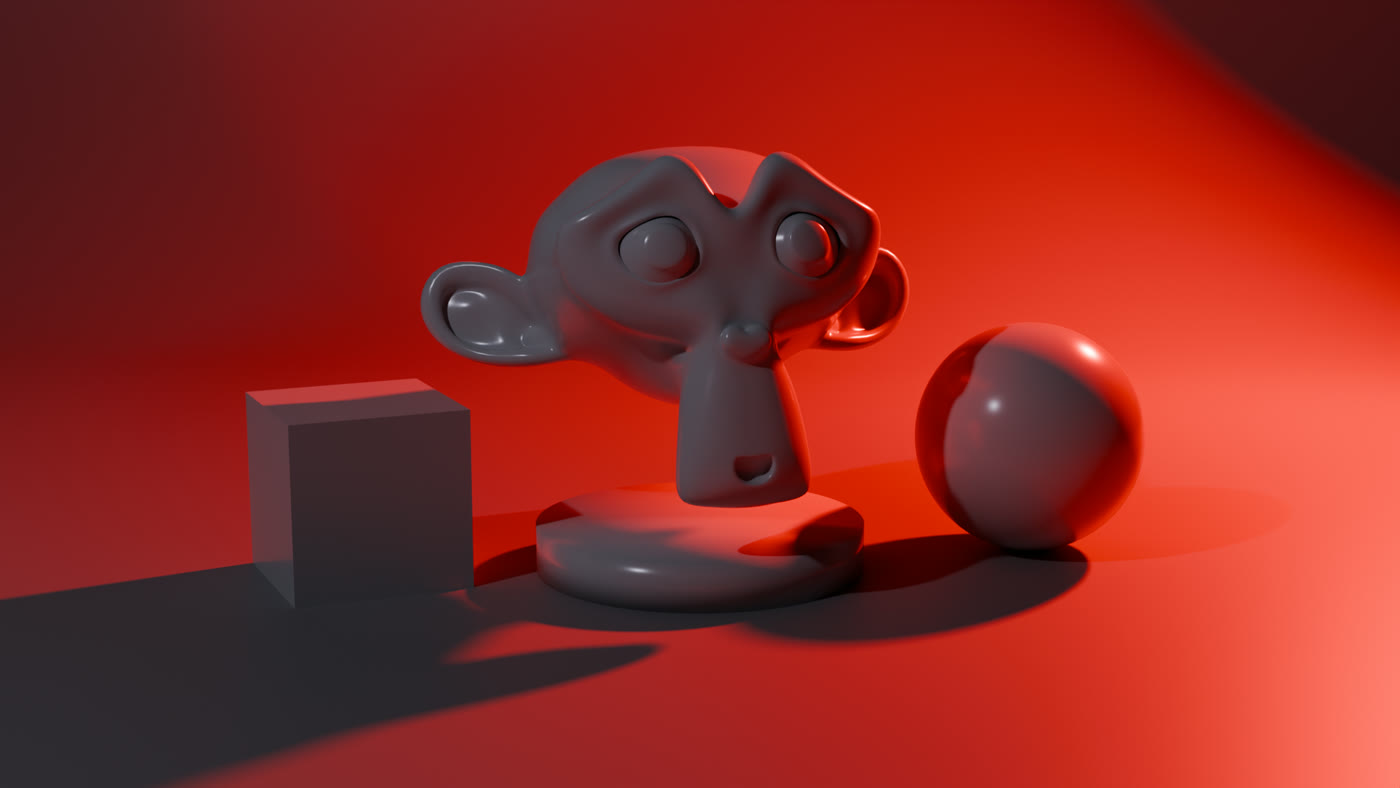
RedLight Studio Kit puts a complete lighting studio in Blender's N-panel. Drop a rig on your model, pick a look from 60 studio kits, and render. Every light, backdrop and camera stays live and editable in the same panel.
- :material-download: Installation: install, update, uninstall
- :material-rocket-launch: Quick Start: a lit scene in under a minute
- :material-lightbulb-group: Studio Kits: 60 looks in 7 categories
- :material-format-list-bulleted: Kit List: every kit, with previews
What it does
- Add a rig. One controller holds every light, so the whole studio moves, rotates and scales together.
- Apply a kit. A kit sets the lights, the world colour and the backdrop colour in one click.
- Tune. Edit any light, swap the backdrop shape, add a camera or an HDRI, all without leaving the panel.
What's included
- 60 studio kits: Product, Portrait, Dramatic, Colour Mood, Glass & Jewellery, Natural and Projection
- 12 projection kits that use real shadow masks, so the patterns render in EEVEE and Cycles
- 9 parametric backdrop shapes and a shadow-catcher floor
- An inline light editor, quick light presets, Master and Exposure
- Cameras with focal presets and depth of field
- An HDRI browser for your own HDRI folder
- Gobo images and 32 bundled IES profiles (Cycles)
Requirements
- Blender 4.2 or newer. Tested on 4.5 LTS, 5.0, 5.1 and 5.2.
- EEVEE or Cycles. See EEVEE & Cycles for the two features that need Cycles.
- Windows, macOS or Linux.